How it works
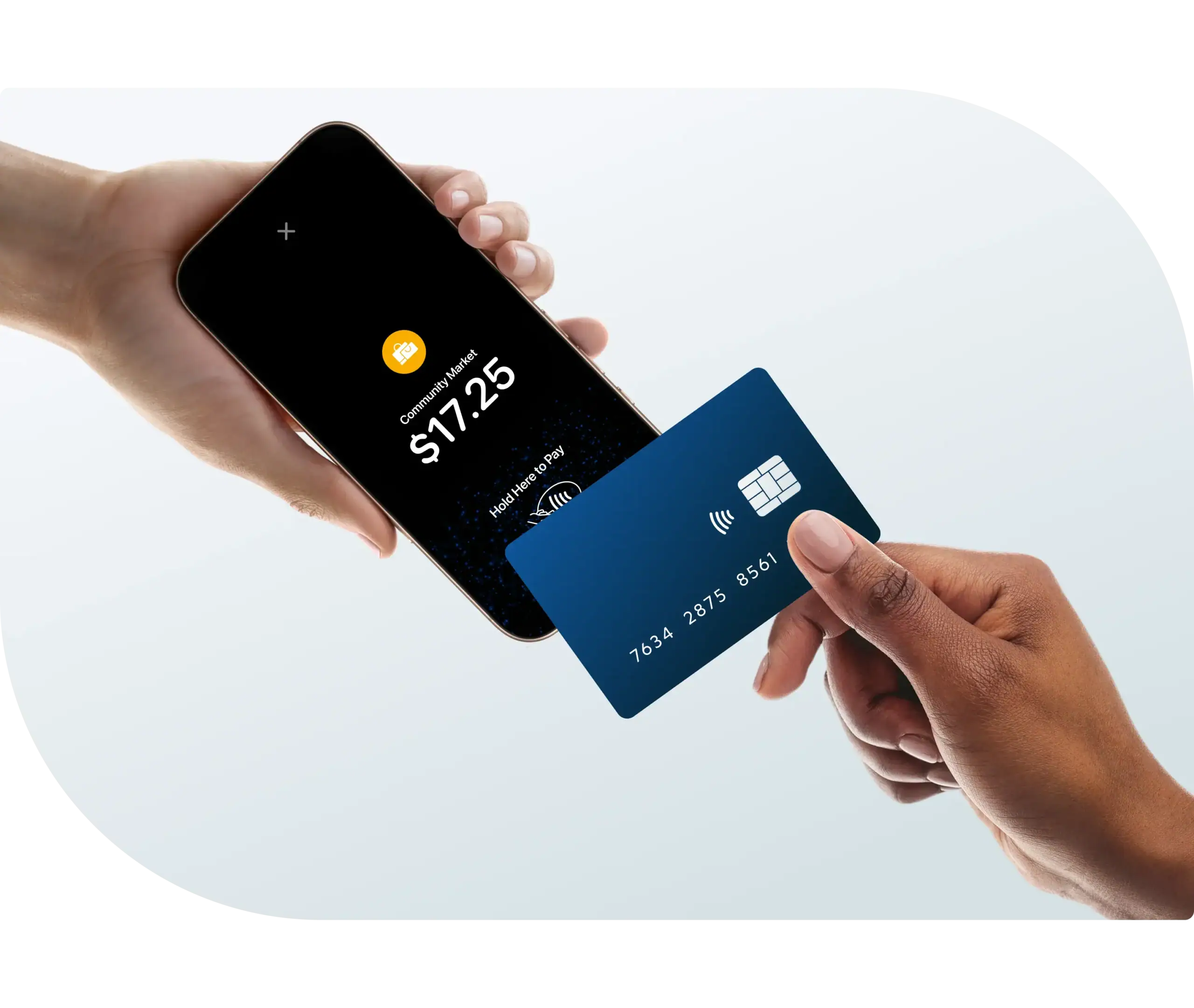
Open the Stax Pay app on your mobile device and enter the purchase amount

Present your mobile device to the customer
The customer holds their card or digital wallet over the contactless symbol near the top of your device

When the confirmation checkmark appears, the payment is complete
- Fast activation No extra hardware required. Easy activation via the Stax mobile app or SDK.
- Cost-efficient Eliminate hardware costs and card-not-present fees.
- Secure and trusted PCI-compliant and integrated with Stax’s secure payment infrastructure.
- Seamless customer experience Enable customers to pay how they want.
- Future-proof payments Meet growing demand for contactless, software-based transactions.
Get started with Tap to Pay
Accept in-person, contactless payments right on your iPhone

"We have noticed a significant time savings with our clients in our showroom and in their homes. Clients also feel more secure tapping rather than us keying in card numbers and user data. The learning curve for our employees was very low."